Enable Aimbot
Toggle aim assistance on or off from the in-game menu.
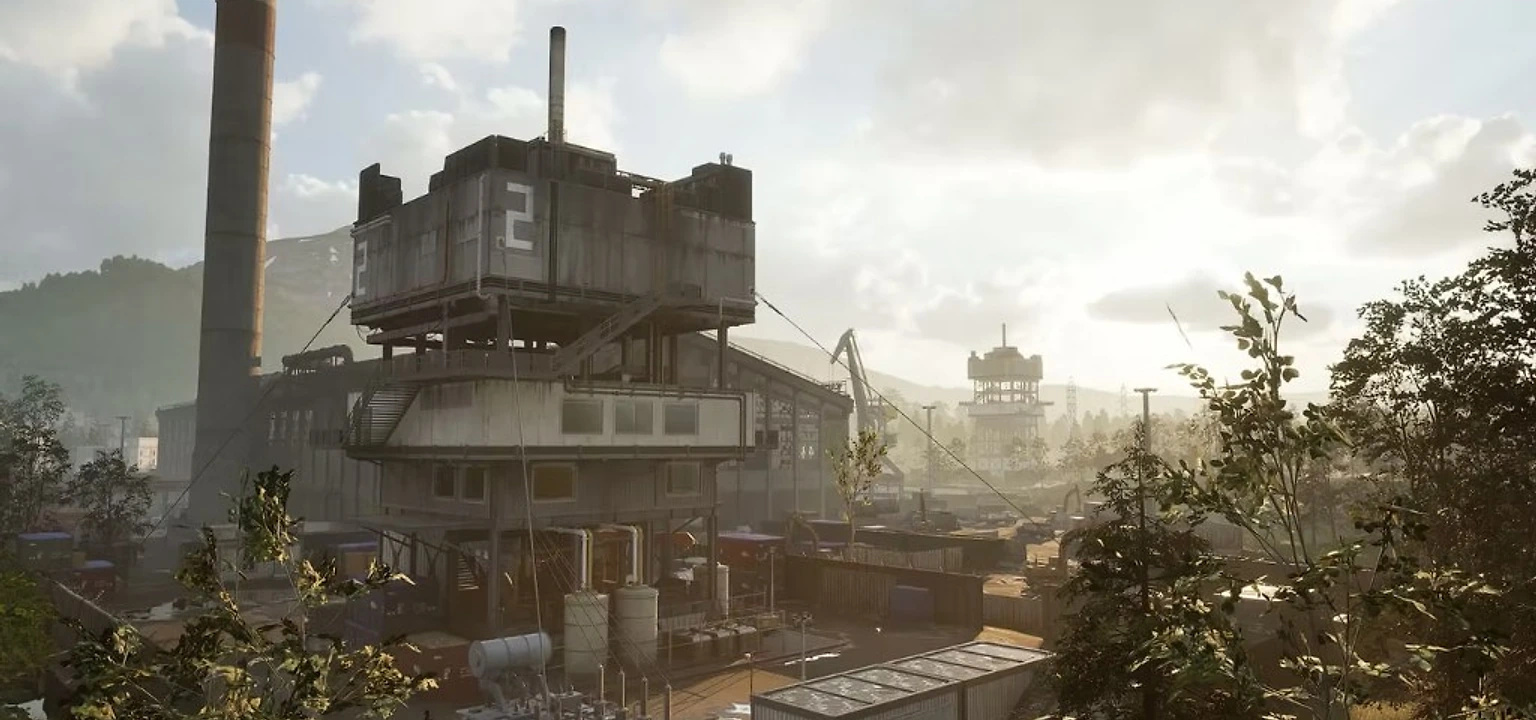
All Wardogs cheat features for BULKHEAD's 100-player tactical FPS: player ESP, vehicle ESP, 2D radar, aimbot with soft aim, and extra tools like no recoil, no spread, and saved settings.
Toggle aim assistance on or off from the in-game menu.
Limit aimbot to targets inside your chosen field-of-view cone.
Adjust how gradually the crosshair moves toward targets for natural-looking aim.
Pick head, chest, or other hitboxes for aim lock in large-scale firefights.
Only aim at enemies with a clear line of sight through cover gaps.
Lead moving targets across WARDOGS destructible zones and vehicle routes.
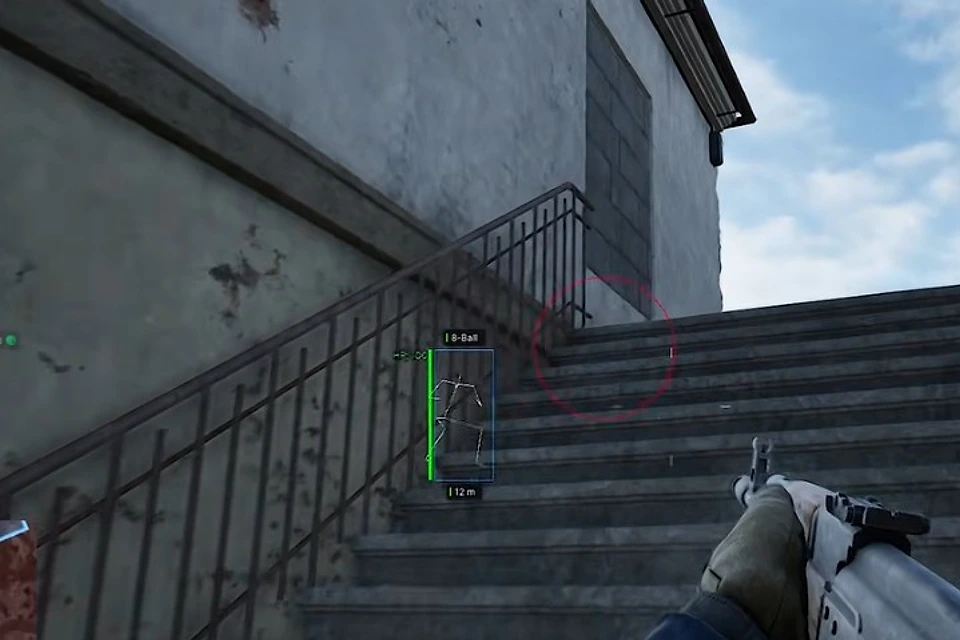
Show the active aimbot FOV circle on screen for tuning.
Display a line from crosshair to the current aimbot target.
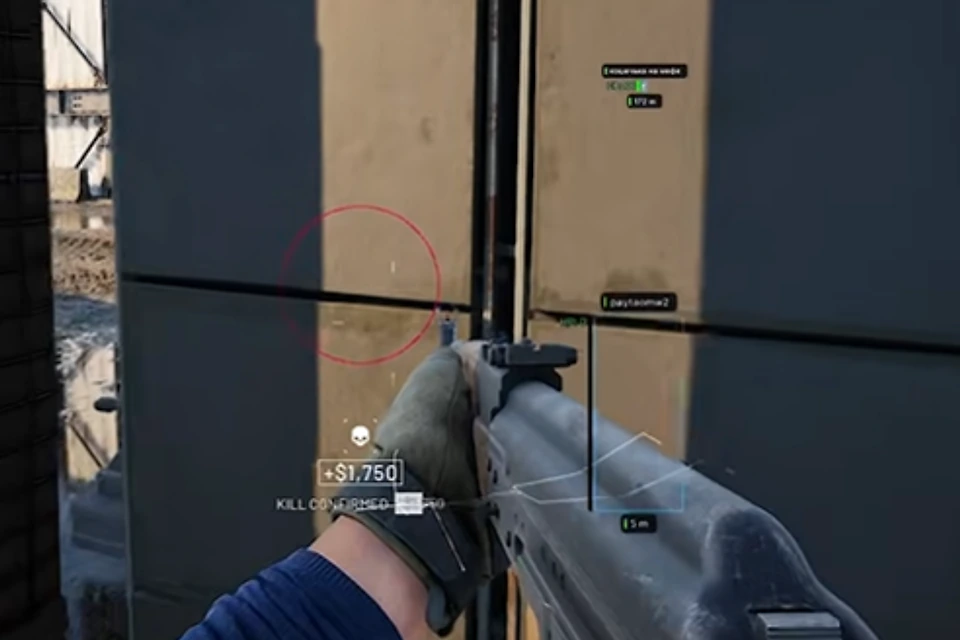
Draw bounding boxes around enemy players through walls and smoke.
Render player bone structure for precise positioning in 100-player matches.
Highlight head hitboxes for quick target identification.
Show remaining health above each tracked player.
Display meters to each marked player on the large WARDOGS maps.
Show player names above ESP markers.
Color-code markers by team in the three-team control zone mode.
Display the weapon each enemy is currently holding.
Show which way enemies are looking to avoid blind pushes.
Off-screen arrows pointing toward nearby threats outside your FOV.
Set how far ESP renders to reduce clutter on 256km² maps.
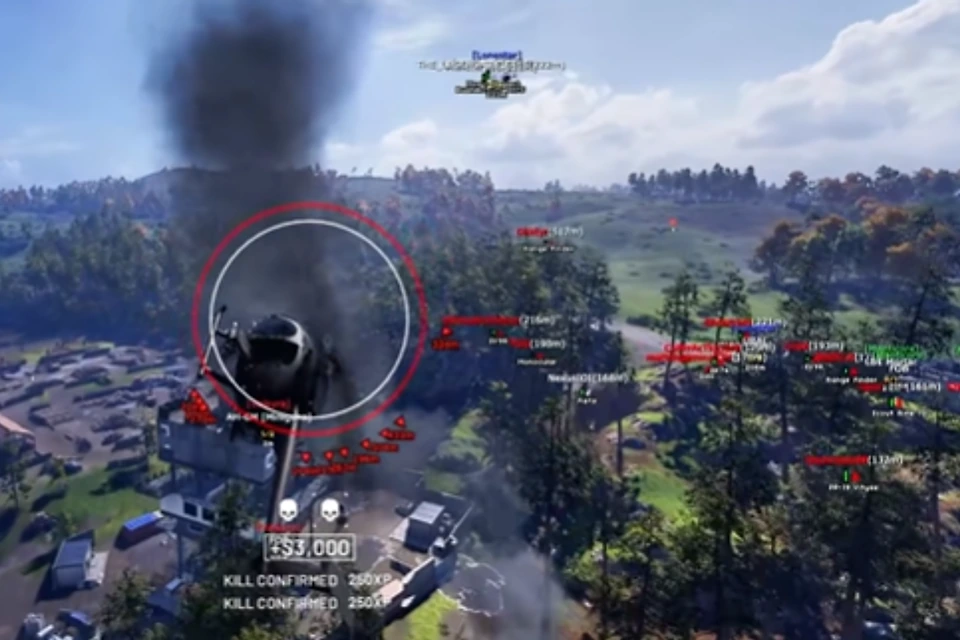
Mark ground vehicles and logistics assets through terrain and structures.
Label each vehicle by class — transport, armor, or support.
Show range to each tracked vehicle on combined-arms maps.
Distinguish manned vehicles from empty ones before engaging.
Top-down minimap overlay showing nearby players and vehicles.
Plot enemy and friendly player positions on the 2D radar.
Show vehicle icons on the radar for logistics and armor tracking.
Adjust how far the radar scans around your position.
Reduce weapon kick during sustained fire in close combat.
Tighten bullet spread for more consistent hits at range.
Brighten dark industrial zones and mountain terrain for clearer vision.
Replace the default reticle with a configurable overlay.
Save and load cheat settings profiles between sessions.
PC tools with player ESP, vehicle ESP, 2D radar, smoothed aimbot, no recoil, and config save/load. Check the live listing for what is available right now.
See also: Wardogs ESP, 2D radar, Wardogs aimbot, how to buy Wardogs cheats, and Wardogs cheats system requirements. Resources: which features matter most and gameplay use cases. Check the live listing before you buy Wardogs cheats.
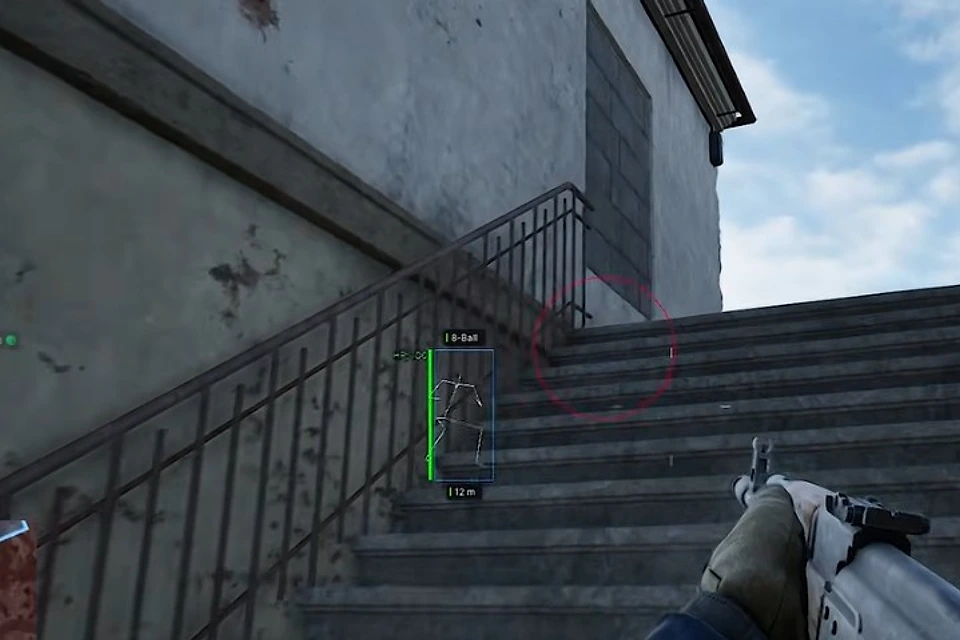
In-game screenshots from the Wardogs cheats package — ESP, aimbot, and wall overlays on WARDOGS.